
Statement Decoder
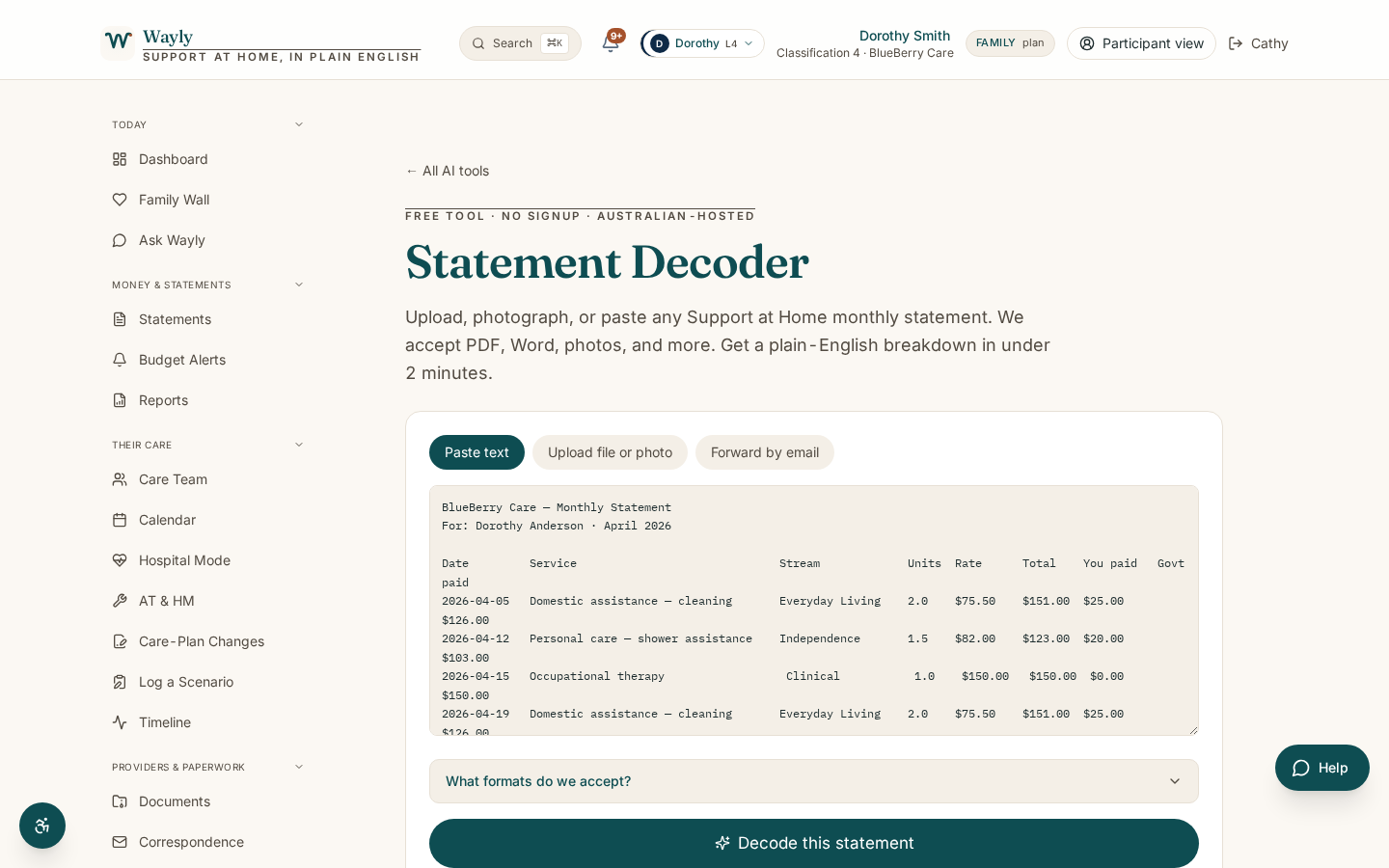
Upload a Support at Home statement and get a plain-English read on every charge, with anything unusual flagged for you.
Plain English. Numbers that add up. Anomalies you can act on.
What This Tool Does
Your monthly Support at Home statement lists the services you received, what the government paid, and what you contributed. It is meant to be clear, but the line items, service IDs and contribution rates can be hard to follow.
Statement Decoder reads your statement and explains it in plain English. It tells you what each charge is for, which service category it sits in (clinical, independence or everyday living), and how your contribution was worked out. Clinical care should show a $0 contribution, so if it does not, the tool points that out.
It also flags anything that looks off, like a charge for a service you do not recognise, a contribution rate that seems high for your situation, or a possible duplicate. Flagged items are prompts to ask a question, not conclusions. You always check anything important with your provider or My Aged Care.
How It Works
- 1
Upload Your Statement
Add a recent monthly statement as a PDF or a clear photo. Your provider must send you one each month.
- 2
Wayly Reads It
The tool pulls out each line item, the service category, the price, and your contribution.
- 3
See It in Plain English
Every charge is explained in plain words, with clinical, independence and everyday living grouped clearly.
- 4
Review the Flags
Anything unusual is highlighted with a short note on why, so you know what to ask your provider.
Information only, not advice. Statement Decoder uses AI to help you understand your own aged care information in plain English. It does not give financial, legal, or medical advice, and it is not a decision from My Aged Care or Services Australia. AI can make mistakes, so please check anything important against your official statements, your provider, or My Aged Care on 1800 200 422 before you act on it. Figures shown are indicative and subject to the current Schedule of Subsidies and Supplements.
What You'll Need
- A recent monthly Support at Home statement (PDF or a clear photo)
- If you have it, your classification level (1 to 8) and your contribution rate, for a closer read
What You'll Get
- A plain-English explanation of every charge on the statement
- Each service sorted into clinical, independence or everyday living
- Flags on anything unusual, with a short reason for each
- A short list of questions you can take to your provider
Common Questions
What kind of statement can I upload?
A monthly Support at Home statement from your provider. Providers must send one each month, even in months with no services.
Does a flag mean I have been overcharged?
No. A flag means something is worth a closer look. It is a prompt to ask your provider or My Aged Care, not a finding.
Should clinical care ever have a contribution?
Clinical supports like nursing and allied health are fully government funded, so they should show a $0 contribution. From 1 October 2026, personal care also becomes fully funded.
Is my statement stored safely?
Your data stays in your account and is not shared. See our privacy information for detail.
See What Your Statement Is Really Telling You
Upload a statement and get a clear, calm read in minutes.
Start Your 7-Day Free TrialGo deeper on this topic
Three short reads that pair with this tool. Free, no signup.