
Budget Calculator
Work out what your classification provides each quarter and what is left to spend across your services.
Budget Calculator is available on Solo and Family plans.
Start with a 7-day free trial. Full access to every tool. No card required to start.
Start free 7-day trialAlready have an account? Sign in
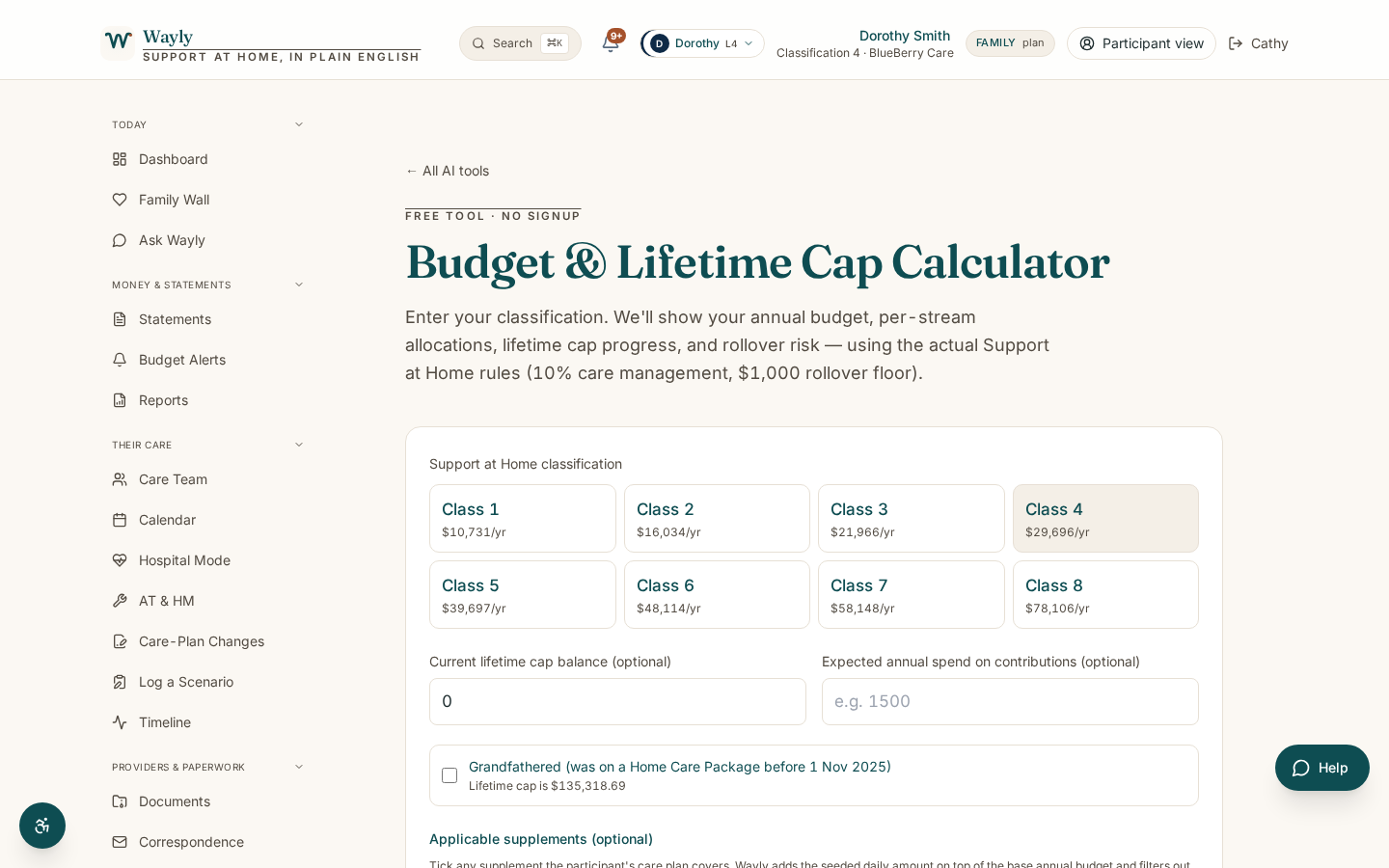
What This Tool Does
Under Support at Home, your assessed classification (1 to 8) sets an annual budget that is delivered as four quarterly budgets. Up to 10% of each quarter is set aside for care management, and you can carry over unspent funds up to $1,000 or 10% of the quarter, whichever is greater.
Budget Calculator helps you see how your quarterly budget breaks down: what goes to care management, what is left for services, and how that might spread across clinical, independence and everyday living supports. It also notes the separate AT-HM scheme for equipment and home modifications, which does not come out of your quarterly budget.
All amounts are indicative and indexed each 1 July, so the tool points you to the current Schedule of Subsidies and Supplements for confirmed figures. It is here to help you plan and ask better questions, not to set your budget. Your provider sets your individualised budget.
How It Works
- 1
Enter Your Classification
Choose your classification level (1 to 8), or a transitioned HCP level if that applies to you.
- 2
See Your Quarterly Budget
The tool shows the indicative quarterly amount and sets aside the care management share.
- 3
Map It to Your Services
See how the remaining funds could spread across clinical, independence and everyday living.
- 4
Plan Ahead
Check carryover room and note any AT-HM needs that sit outside the quarterly budget.
Information only, not advice. Budget Calculator uses AI to help you understand your own aged care information in plain English. It does not give financial, legal, or medical advice, and it is not a decision from My Aged Care or Services Australia. AI can make mistakes, so please check anything important against your official statements, your provider, or My Aged Care on 1800 200 422 before you act on it. Figures shown are indicative and subject to the current Schedule of Subsidies and Supplements.
What You'll Need
- Your Support at Home classification level (1 to 8), or your transitioned HCP level
- A rough idea of the services you use or plan to use
What You'll Get
- An indicative quarterly budget for your classification
- A clear split between care management and money available for services
- A plain view of how funds could spread across the three service categories
- A note on carryover limits and the separate AT-HM scheme
Common Questions
Are these the exact dollar amounts I will receive?
They are indicative and indexed each 1 July. Always confirm with the current Schedule of Subsidies and Supplements or your provider.
What is the 10% for?
Up to 10% of each quarterly budget covers care management, such as planning and coordinating your services.
Can I save unspent funds?
You can carry over up to $1,000 or 10% of your quarterly budget, whichever is greater, into the next quarter.
Does equipment come out of this budget?
No. Assistive technology and home modifications are funded separately through the AT-HM scheme.
See What Your Budget Can Do
Get a clear, plain-English view of your quarterly funding.
Start Your 7-Day Free TrialGo deeper on this topic
Three short reads that pair with this tool. Free, no signup.