
Classification Self-Check
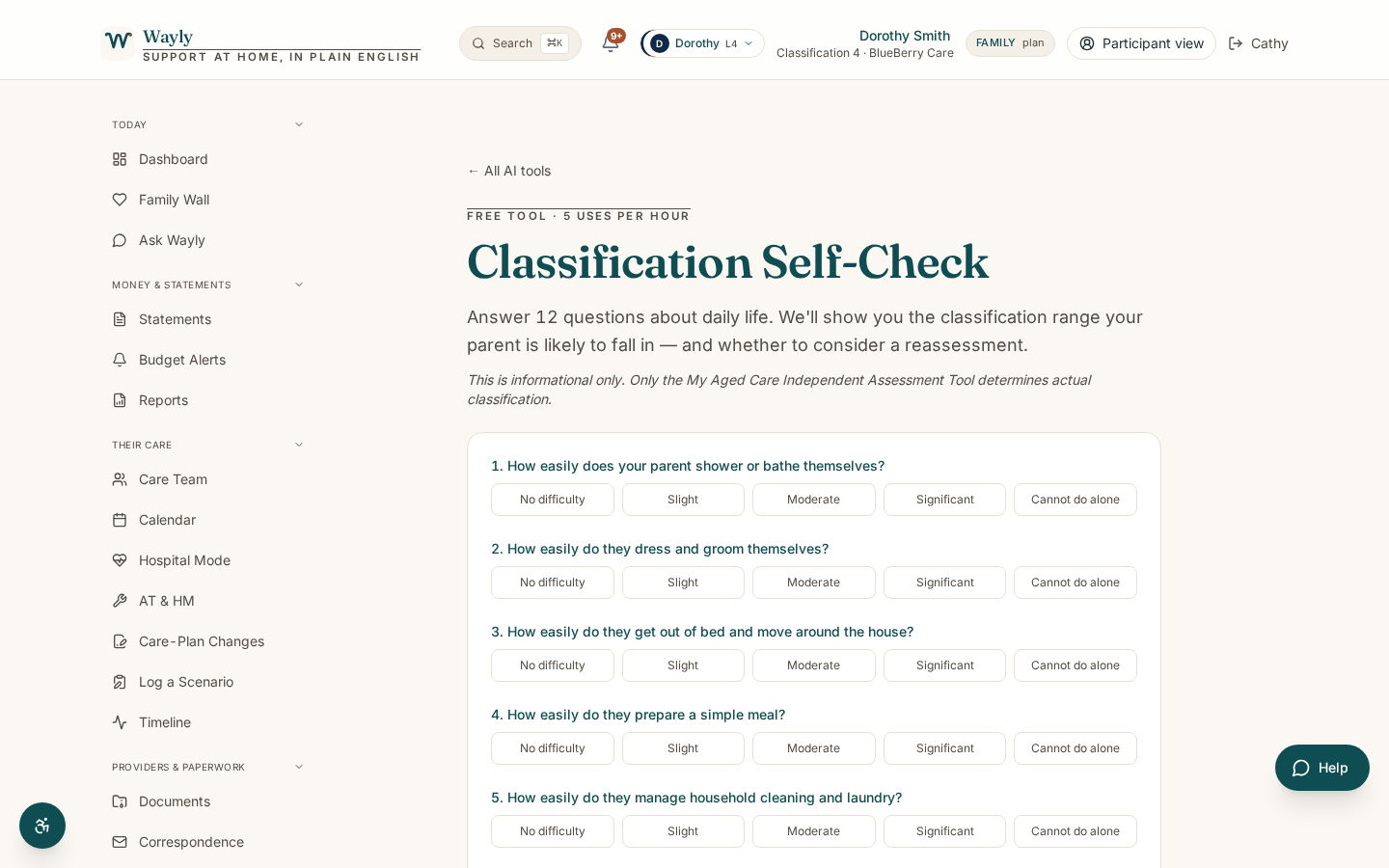
Get a sense of which classification level (1 to 8) might apply, based on common assessment indicators.
Classification Self-Check is available on Solo and Family plans.
Start with a 7-day free trial. Full access to every tool. No card required to start.
Start free 7-day trialAlready have an account? Sign in
What This Tool Does
Your Support at Home classification (1 to 8) is decided through the Single Assessment System, where a trained assessor looks at your needs, your daily routine and your goals. Wayly cannot make that decision, and neither can this tool.
Classification Self-Check helps a family understand how classifications generally work and which level might be in the picture, based on common indicators like help needed with daily tasks, mobility, and clinical needs. Lower classifications (1 to 3) suit mostly independent people, mid-range (4 to 6) cover regular personal and household support, and higher (7 to 8) cover complex, often daily, care.
This is information only, not a substitute for an assessment. It is meant to help you feel prepared for a conversation with My Aged Care, not to predict an outcome.
How It Works
- 1
Answer a Few Plain Questions
Tell the tool about daily tasks, mobility, and any clinical or memory needs.
- 2
See Where That Sits
The tool shows which classification range those indicators often line up with.
- 3
Read What Each Level Means
Plain summaries explain the kind of support each range tends to fund.
- 4
Prepare for Assessment
Take notes into a conversation with My Aged Care or your assessor.
Information only, not advice. Classification Self-Check uses AI to help you understand your own aged care information in plain English. It does not give financial, legal, or medical advice, and it is not a decision from My Aged Care or Services Australia. AI can make mistakes, so please check anything important against your official statements, your provider, or My Aged Care on 1800 200 422 before you act on it. Figures shown are indicative and subject to the current Schedule of Subsidies and Supplements.
What You'll Need
- A general picture of the daily help needed (personal care, household tasks, mobility)
- Any notes about clinical needs or memory changes
What You'll Get
- An indicative classification range, with clear reasoning
- Plain summaries of what lower, mid and higher classifications tend to fund
- A short list of points to raise at assessment
- A clear reminder that only an assessor decides your classification
Common Questions
Will this set my classification?
No. Only the Single Assessment System decides your classification. This is information only.
Why does it give a range, not one number?
Classifications depend on a full assessment. A range reflects the indicators you enter without pretending to be the assessment.
Can I ask for a reassessment if my needs change?
Yes. You or your family can contact My Aged Care on 1800 200 422 at any time.
We were on a Home Care Package. Does that change things?
If you transitioned from HCP, you may be on a transitioned level until a reassessment moves you into one of the eight classifications.
Walk In Prepared
Get a clear sense of the classifications before your assessment.
Start Your 7-Day Free TrialGo deeper on this topic
Three short reads that pair with this tool. Free, no signup.